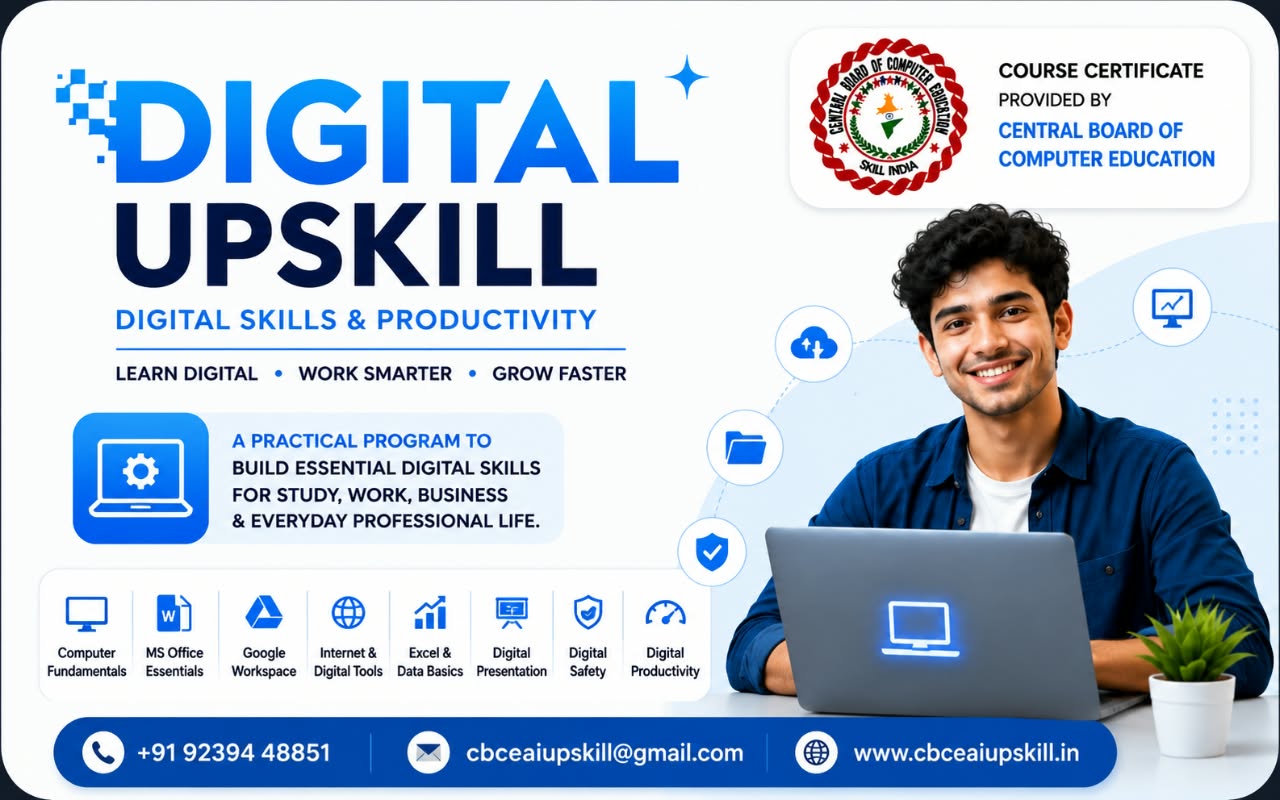
Learn Digital.Work Smarter.Grow Faster.
A practical, beginner-friendly program designed to build essential digital skills for study, work, business, and everyday professional life.
Duration
Ask our team
Learning Mode
Live Online Classes
Level
Beginner Friendly
About this programme
A practical, beginner-friendly program designed to build essential digital skills for study, work, business, and everyday professional life.
Learners move from computer fundamentals to office documents, spreadsheets, cloud tools, presentations, online safety and everyday digital productivity.
Why Digital Upskill
Essential Digital Foundation
Covers the everyday computer and internet skills expected in study, work and business.
Beginner Friendly
Starts from the basics — no previous computer training required.
Live Learning
Instructor-led sessions with demonstrations and guided practice.
Task Based
Practise with real documents, sheets, slides and cloud workflows.

Key Topics
Computer & Internet Foundation
Topics
- Computer Fundamentals
- Internet & Digital Tools
- Digital Safety
Documents & Office Essentials
Topics
- MS Office Essentials
- Digital Presentation
Cloud & Collaboration
Topics
- Google Workspace
- Online file management and sharing
Data & Productivity
Topics
- Excel & Data Basics
- Digital Productivity

Your Learning Journey
Stage 01
Build computer and internet confidence
Stage 02
Create professional documents and presentations
Stage 03
Work with spreadsheets and basic data
Stage 04
Use cloud tools for everyday collaboration
Stage 05
Apply digital safety and productivity habits
Course Benefits
Work-ready documents
Create clean letters, reports, résumés and presentations with confidence.
Practical spreadsheet skills
Organise, calculate and present basic data in Excel and Sheets.
Safer online habits
Recognise digital risks and protect accounts, files and personal data.
Learning Outcomes
Students should be able to:
Use a computer and the internet confidently
Create documents, sheets and presentations
Work with Google Workspace and cloud files
Handle basic data in Excel
Follow safe digital practices
Work faster with digital productivity tools
Requirements
- No technical background required
- A laptop, desktop or smartphone with internet access
- Basic computer or mobile familiarity
- Consistent practice through assignments and activities
Who Can Join
- School and college students
- Job seekers
- Working professionals
- Shop owners and entrepreneurs
- Anyone starting with computers
Certificate
Course certificate provided by Central Board of Computer Education.
Every certificate carries an enrollment number and serial number for verification.
Statement of marks and student identity card are issued as part of the programme documentation.
Frequently asked questions
Ready to Start Your AI Journey?
Enroll today and build practical AI skills through live learning and projects.